|
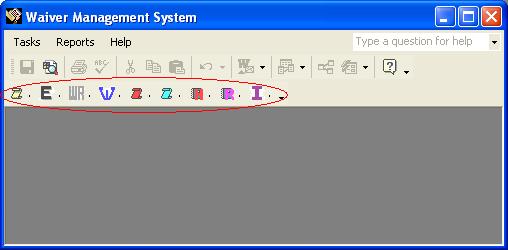
Waiver Management System
make sure to click the slide show button at the bottom right to view the presentation. Requires high speed Internet connection.
The increased litigation in the construction industry has made it more important than ever to better manage communication with owners and subcontractors and to have proper documentation. In theory, no work is to be started prior to having such documentation. In reality, it is a constant struggle to collect insurance information, signed contracts, approved change orders and of course a signed
waiver. The check is
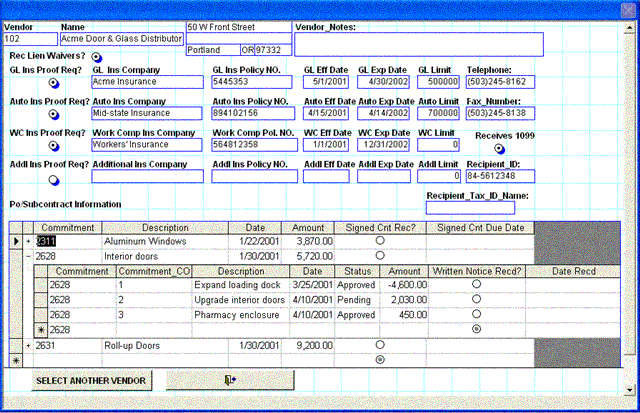
normally held until all these documents are received. release checks, and update insurance and received signed copies of contracts information directly to/from Sage 300 CRE all in one location without using licenses of
AP and JC.
check range with a push of a button.
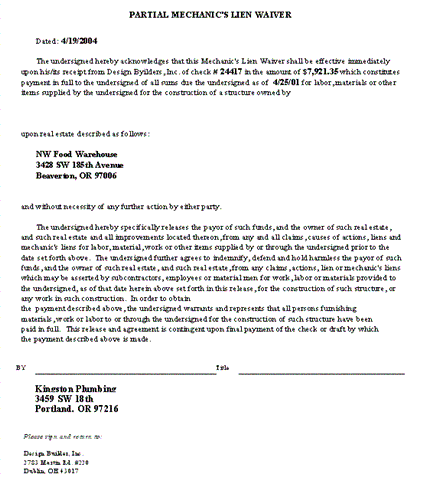
and prints the correct form.
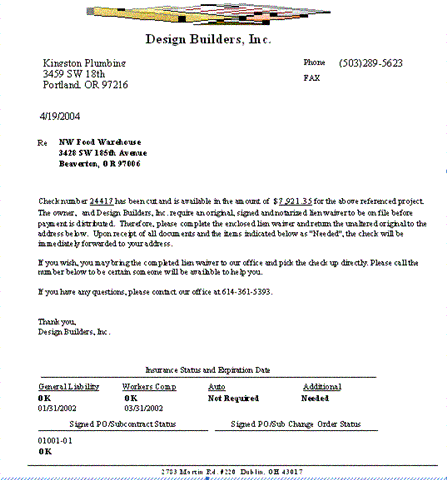
subcontract and change order information on the cover letter of the waiver. subcontract requirement and change order from one screen that is equipped with a spell checker and an undo button.
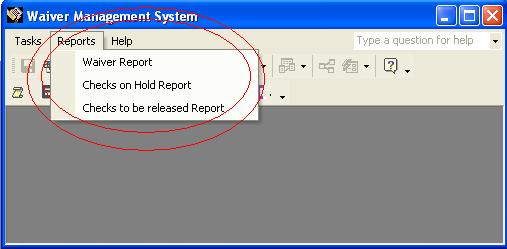
be Released Report" based on subcontractor compliance.
waiver amount covering the entire contract instead of only the check amount.
Contact us for more information and an online product demonstration All ITO's databases require the existence of a legal copy of Microsoft Access 2000, Access XP or Access 2003. Six Hours of setup and training is included.
|